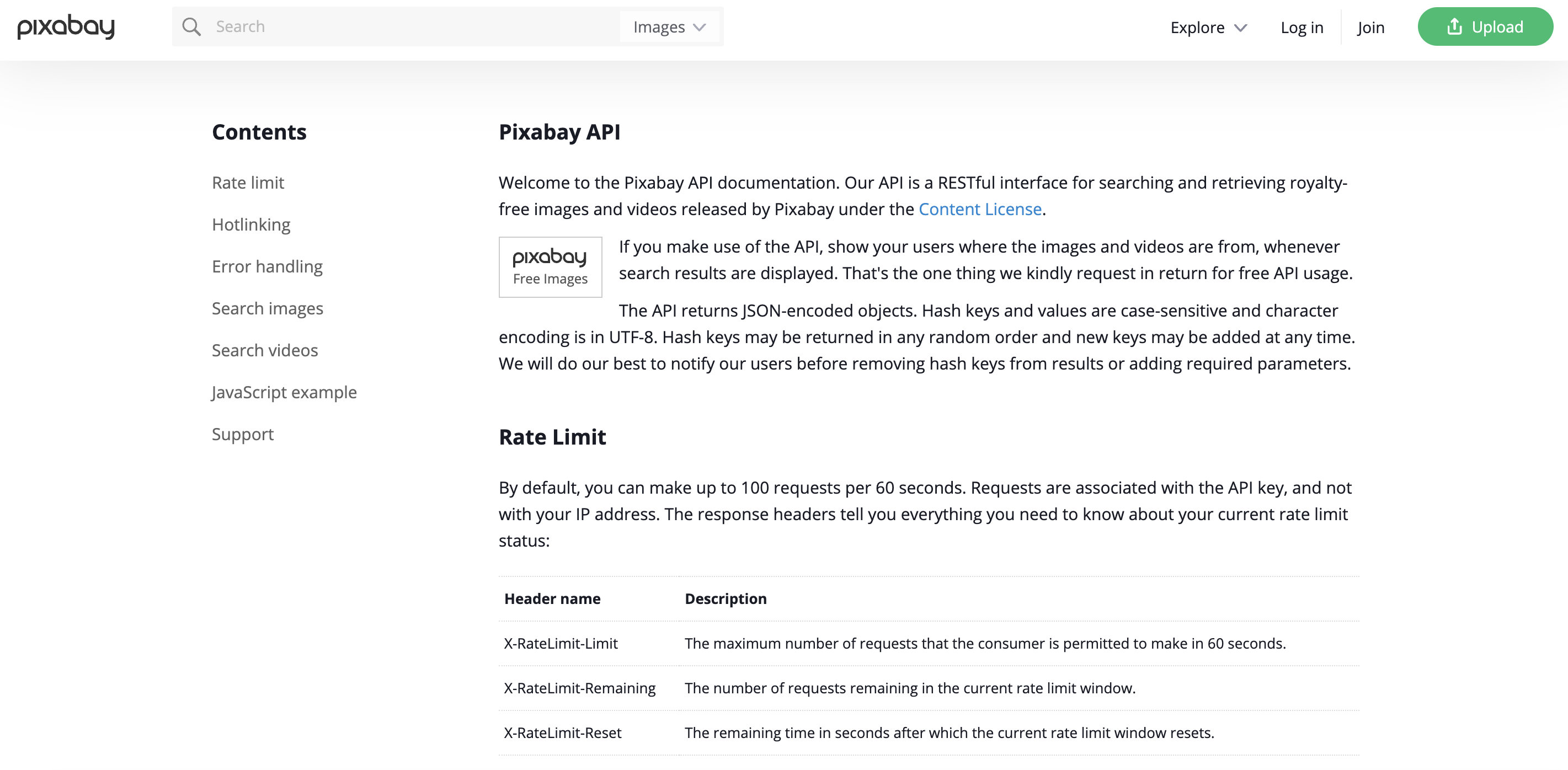
Pixabay provides access to a vast collection of free images and videos for personal and commercial use.
Overview
Create Account
Sign up for a Pixabay account.
Get API Key
Generate your Pixabay API key.
Connect to Anything
Add your API key to Anything’s secrets.
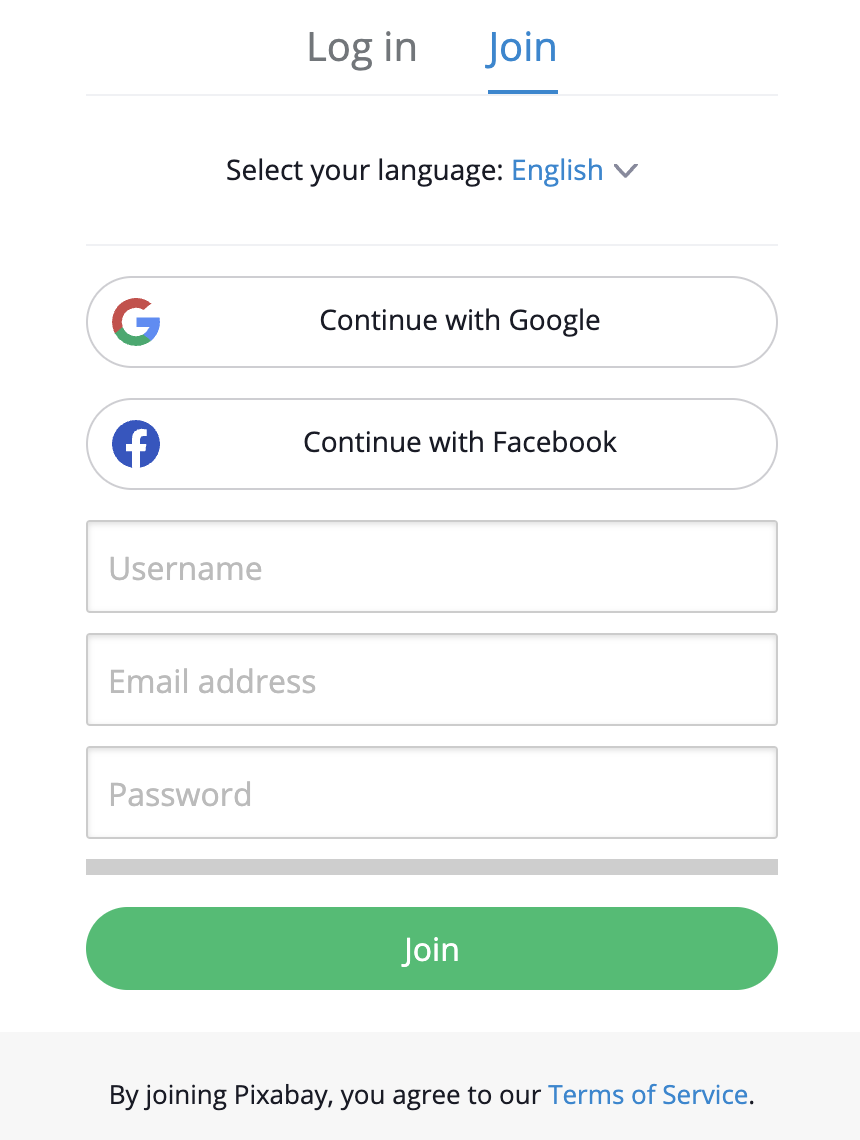
Account Creation
Choose Signup Method
- Sign up with email/password.
- Or continue with social media authentication.
Generate API Key
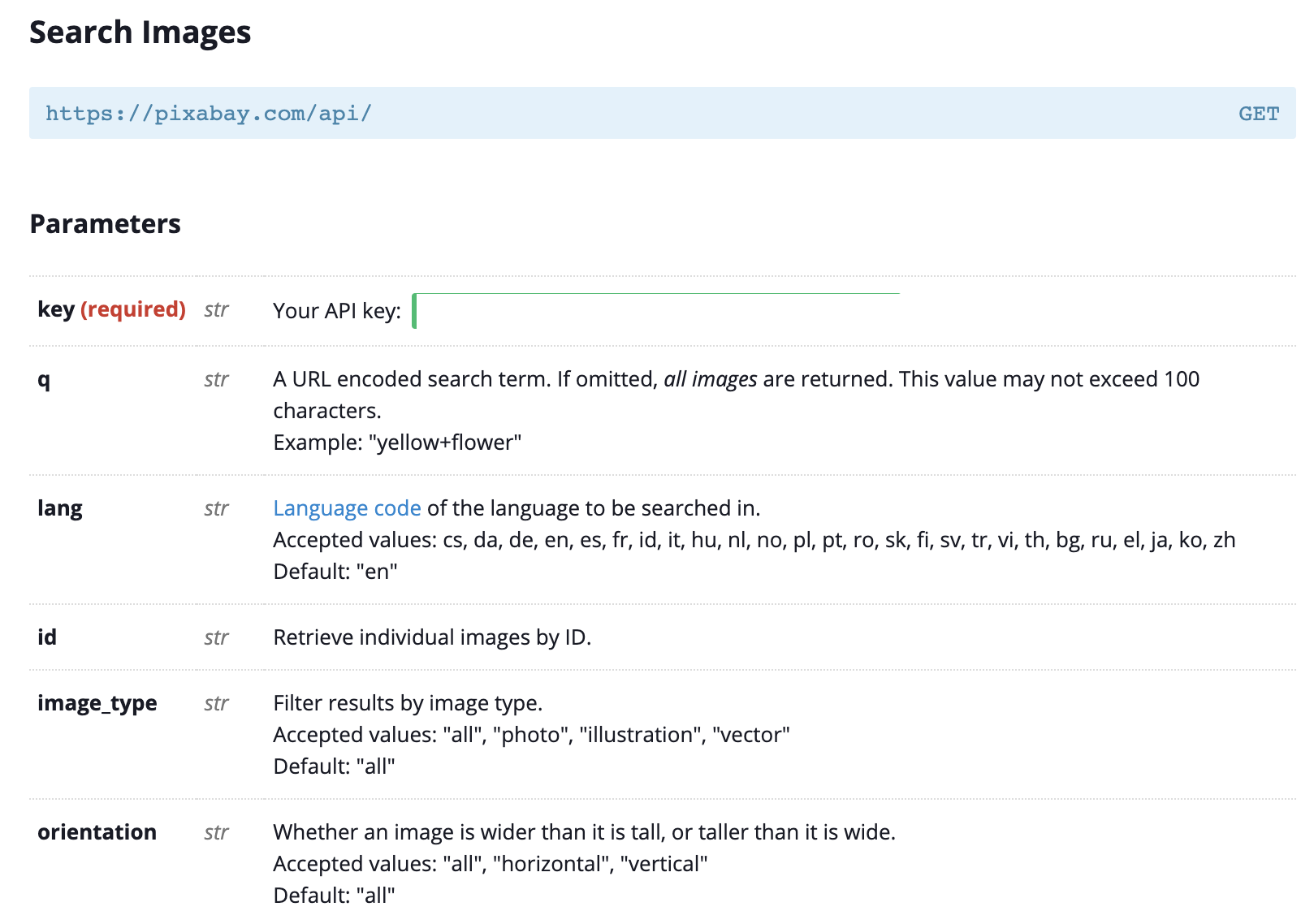
Access API Settings
- Log in to your Pixabay account.
- Navigate to the API section in your account settings.

Create New API Key
- Click “Create API Key.”
- Name your key (e.g., “Anything Integration”).
- Click “Generate.”
Copy Your Key
- Copy the generated API key.
- Store it securely - you won’t be able to see it again.
Keep your API key secure - it grants access to your account data.
Add to Anything project
Add the Integration
- In your Anything project, type
/ in chat.
- Select “Pixabay” from the menu.
Add Your API Key
- Paste your API key into “PIXABAY_API_KEY.”
Need new credentials? Regenerate in the Pixabay dashboard.
Start Using
You can now use prompts with the integration to access images and videos.Example prompts:
Search for images of cats using /PixabayGet a random image using /PixabayBuild a gallery app with /Pixabay
The Pixabay API has rate limits. If something fails, wait a moment and try again.
When using /Pixabay, save the image results so they load faster next time
Your Pixabay integration is ready! Use /Pixabay in chat to access images and videos.